
The FAKE “Windows Defender Subscription” Email Scam Explained
A common tactic employed by scammers is to trick victims into believing that their computer or device is in danger, and then convincing them to take action to “protect” it. One popular example of this type of scam is the fake “Windows Defender Subscription” email. In this article, we will take a closer look at how this scam works and what you can do to avoid falling prey to it.
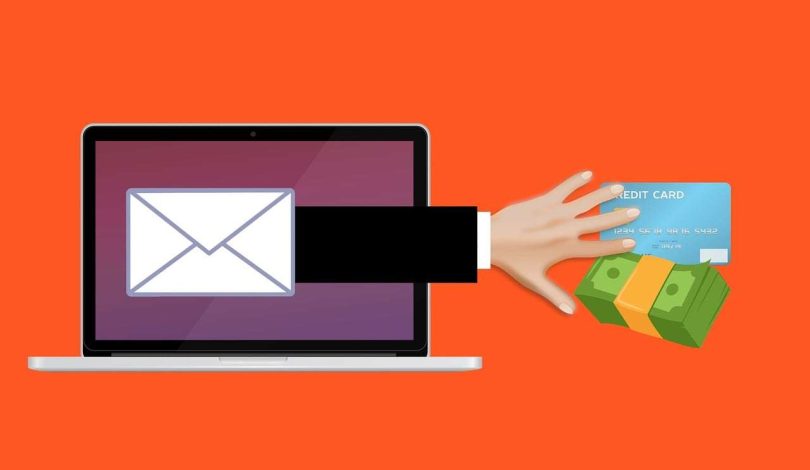
The scam operates by sending an email to the victim, often tailored to appear as if it is from a legitimate source, such as Microsoft or a well-known antivirus software company. The email claims that the recipient’s Windows operating system is no longer protected and that they need to sign up for a subscription to Windows Defender in order to keep their system safe. The email will typically make some ominous claims about the potential consequences of not taking action, such as the risk of being hacked or compromised by malware.
The goal of the scam is to get the victim to click on a link or download an attachment that compromises their computer system. This can lead to the installation of malicious software, allowing the scammer to gain control of the victim’s device and access their sensitive information.
Another tactic used by the scammers is to claim that a code has been found on the user’s system and that it needs to be removed immediately. The email will often state that a “special offer” is available to help remove the code and keep the system secure, but this is just a ploy to get the victim to sign up for the fake subscription.
It’s important to note that legitimate companies such as Microsoft take the security of their customers very seriously and would never send an email asking for payment or personal information. Microsoft also has a free antivirus software called Windows Defender that comes pre-installed with Windows operating systems, so the need for a separate subscription is simply a scam.
The key to avoiding falling prey to this and other scams is to be extremely cautious when receiving unsolicited emails, especially those that claim to be from a well-known company or brand. It’s also important to never click on any links or download attachments from unsolicited emails, and to never provide personal or financial information to anyone who has contacted you through email.
In addition, it’s a good idea to regularly update your operating system, antivirus software, and other Important programs to ensure that your system is running with the latest security patches and features. By staying informed, staying vigilant, and staying

